




 Arun Kumar
 Last Updated on April 17, 2026 by Arun Kumar
Key Takeaways
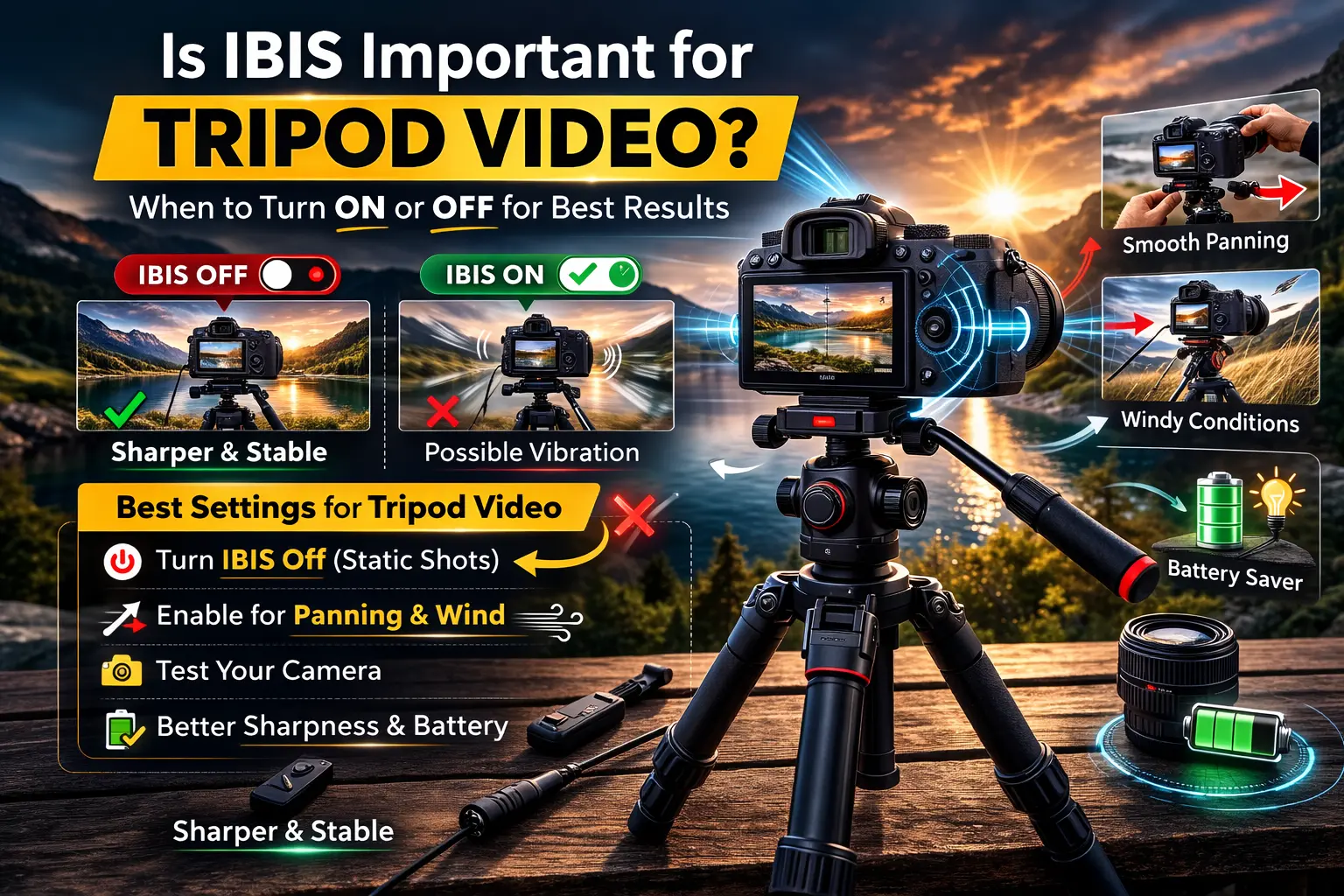
- IBIS (In-Body Image Stabilization) is usually not necessary when filming on a tripod because the tripod already stabilizes the camera.
- Leaving IBIS on during static tripod shots can sometimes cause micro-vibrations or softer footage.
- IBIS may help if you are panning, tilting, or filming in windy outdoor conditions.
- Turning IBIS off can improve sharpness and slightly extend battery life.
No, IBIS (In-Body Image Stabilization) is generally not important for tripod video. A stable tripod already removes camera shake, which makes stabilization unnecessary. In some cases, keeping IBIS enabled during completely static shots can even create slight feedback movement that softens the footage.
Why IBIS Is Usually Not Needed on a Tripod
Tripods are designed to keep the camera perfectly stable. When the camera is locked in place, stabilization systems have no motion to correct.
Because of this:
- IBIS does not add meaningful stabilization
- It may introduce tiny corrections that cause micro-jitter
- The system continues using battery power unnecessarily
Many modern cameras from brands like Sony and Nikon can detect when the camera is stable and reduce stabilization automatically, but manual control still gives more consistent results.
🔎 Looking for a Tripod Instead?
If handheld shooting feels difficult, a tripod can make your photos and videos much more stable. Explore these helpful guides:
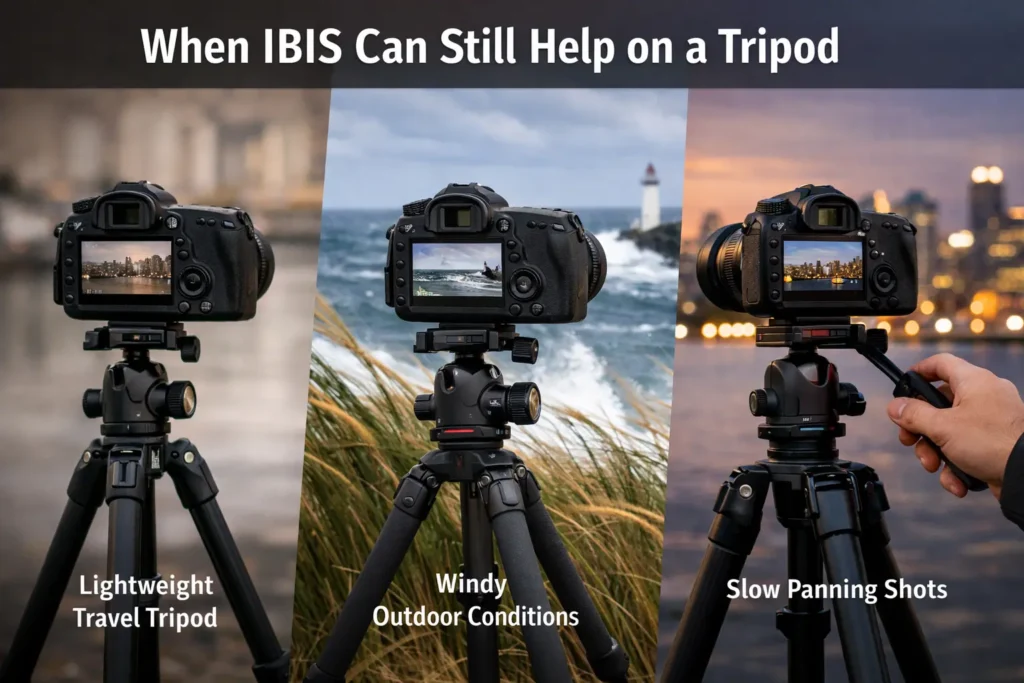
When IBIS Can Still Help on a Tripod
There are a few situations where leaving IBIS enabled can improve footage.
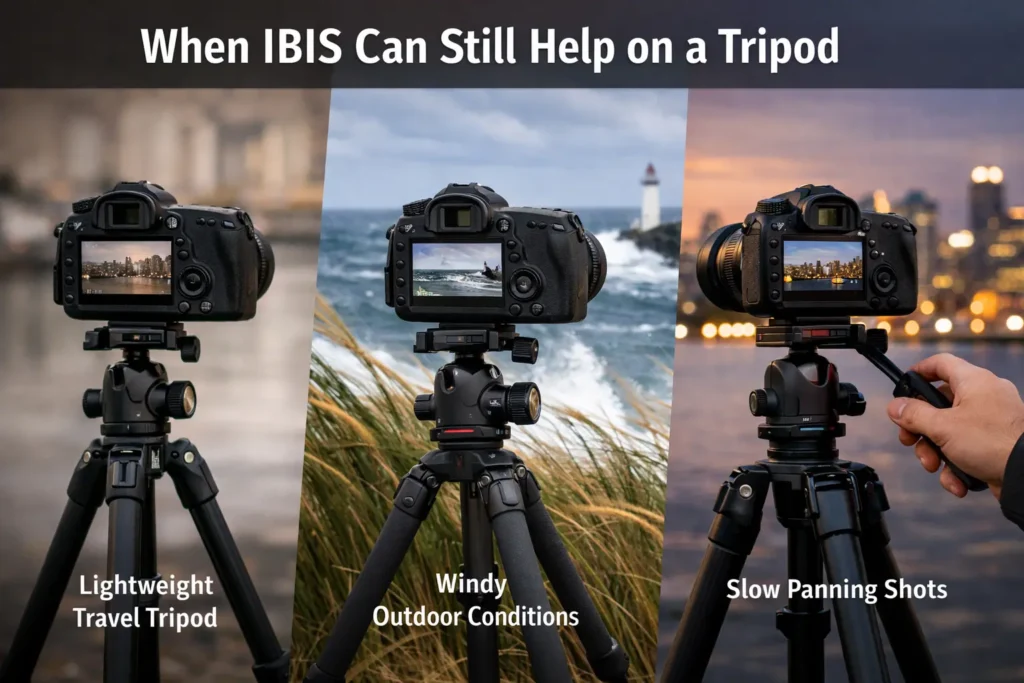
Examples include:
- Slow panning or tilting shots
- Outdoor filming where wind causes slight vibration
- Lightweight travel tripods that may transmit small movements
- Mixed setups where you switch between tripod and handheld shots
In these cases, IBIS acts as a secondary stabilization layer.
SEE ALSO: Tripod Vocabulary Explained
Best IBIS Settings for Tripod Video
For most tripod shooting setups, follow these simple guidelines:
- Turn IBIS off for locked-down shots.
- Test your camera model since stabilization behavior varies.
- Use a sturdy tripod instead of relying on stabilization.
- Enable IBIS only when doing controlled camera movements.
This approach helps maintain maximum sharpness and stable footage.
Conclusion
IBIS is mainly designed for handheld shooting. When your camera is mounted on a tripod, stabilization usually becomes unnecessary. For the sharpest results, keep IBIS turned off during static shots and enable it only when minor movement or environmental vibrations are possible.
FAQs
Want smoother videos and better stability for your setup?
Explore lightweight travel tripods and tripod accessories that improve stability and make video shooting easier for creators and YouTubers.