





Quick Summary / Takeaway
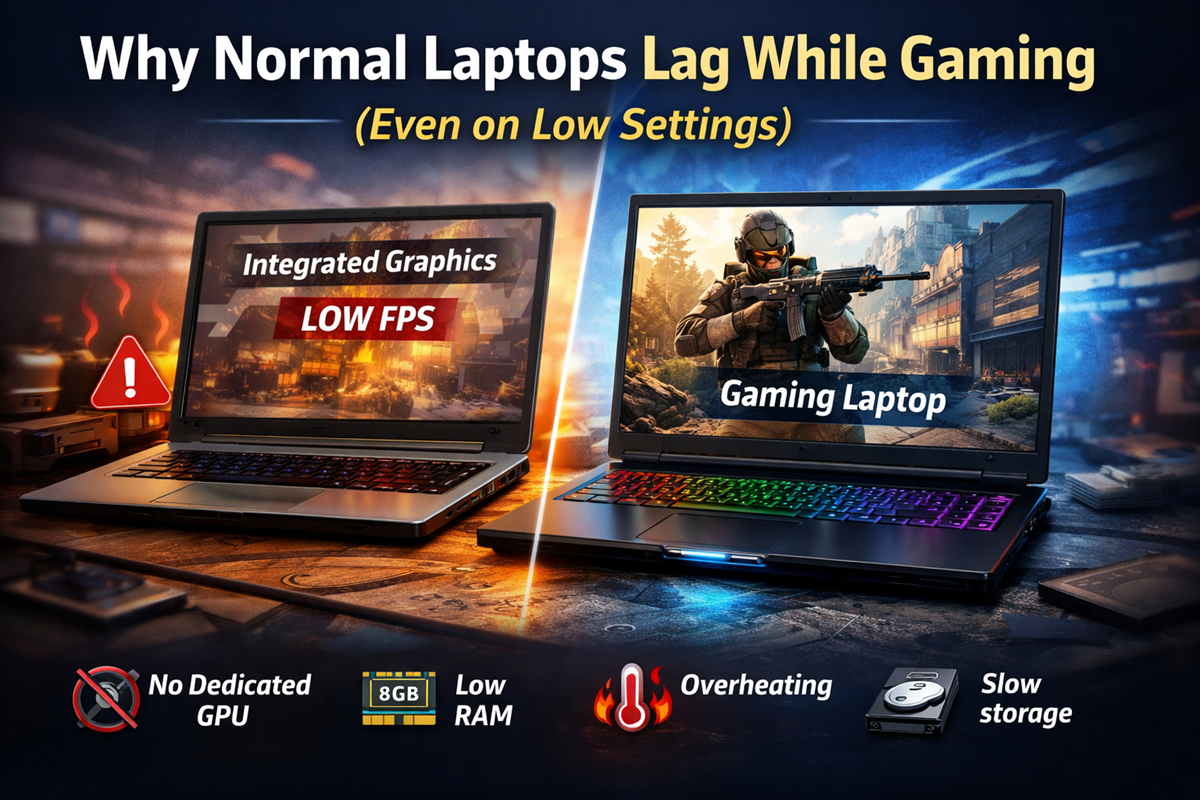
Normal laptops lag while gaming mainly because they are designed for everyday tasks like browsing, streaming, and office work rather than handling heavy graphics processing. Most regular laptops lack a dedicated graphics card, have limited RAM, weaker cooling systems, and slower storage. Modern games are built for powerful hardware, which causes frame drops, stuttering, and overheating on standard laptops.
Introduction
Many students and casual gamers in India try to play popular or modern games on their regular laptops. However, they often face issues like lag, low FPS, overheating, or sudden game crashes. This creates confusion because lowering game settings does not always improve performance.
The main reason behind why normal laptops lag while gaming is simple. Regular laptops focus on battery efficiency and portability rather than gaming performance. Modern games, on the other hand, require powerful hardware to run smoothly. Let’s understand the real technical reasons in simple language.
Why Do Games Lag on Normal Laptops?
Most modern games demand strong graphics performance, stable processing power, and sufficient memory. When a laptop cannot meet these requirements, users experience performance issues like stuttering, slow loading, or freezing.
Below are the main reasons why games lag on normal laptop systems.
1. Lack of Dedicated Graphics Card (GPU)
What Happens?
Most normal laptops use integrated graphics such as Intel UHD or Iris graphics. These graphics are built into the processor and share system memory instead of having their own dedicated memory.
Modern games are designed to run on dedicated GPUs like RTX 3050 or RX 6600M. These GPUs are specially built to handle advanced 3D rendering and gaming workloads.
Why This Causes Lag
Integrated graphics struggle to handle:
- Complex game environments
- High-resolution textures
- Advanced visual effects
- Real-time shadow rendering
Since they share RAM with the system, performance gets further limited. This is one of the biggest reasons why low-end laptops struggle with gaming.
2. Heat and Power Limitations (Thermal Throttling)
What Happens?
Regular laptops are usually thin and lightweight. They come with smaller cooling systems and lower power processors to improve battery life.
During gaming, the CPU and GPU start generating heat continuously. When the laptop temperature increases, the system automatically reduces processor speed to prevent overheating. This is called thermal throttling.
Why This Causes Performance Issues
Thermal throttling leads to:
- Sudden FPS drops
- Game stuttering
- Performance inconsistency
- Slower processing speed
Even if a laptop looks powerful on paper, cooling limitations create serious laptop gaming performance issues.
3. Insufficient RAM and Storage Speed
RAM Limitations
Many normal laptops in India come with 8 GB RAM. While this is enough for daily tasks, modern games are often designed to run smoothly with 16 GB RAM.
When RAM is insufficient:
- Games struggle to load textures
- Background apps consume memory
- The system starts using virtual memory, which is slower
Storage Performance Problems
Normal laptops may use slower storage like entry-level SSDs or eMMC storage.
This can cause:
- Long game loading times
- Texture pop-in issues
- Micro-stutters during gameplay
These factors explain why games don’t run smoothly on laptop devices designed for general use.
4. Driver and Settings Misconfiguration
What Happens?
Sometimes performance problems are not entirely hardware-related. A game may run on the integrated GPU instead of the available dedicated GPU. This drastically reduces gaming performance.
Other issues include:
- Outdated graphics drivers
- Too many background apps running
- Incorrect power settings
These problems reduce FPS and create confusion about whether the laptop is underpowered or simply misconfigured.
5. Modern Game Engines Require High Specifications
Rising Hardware Requirements
Modern game engines such as Unreal Engine 5 and Frostbite are built to deliver realistic graphics and detailed environments. These engines assume that the system has:
- Mid-range dedicated GPU
- Around 16 GB RAM
- Stable processing performance
Even the lowest graphical settings in modern games often require hardware that exceeds the capabilities of regular laptops. This is a major reason why modern games require high specs.
Can You Run Modern Games on a Normal Laptop?
Yes, but the experience is usually limited. Some adjustments can help run games, but performance may not be smooth.
Possible Adjustments
- Lower resolution to 720p
- Disable visual effects
- Close background applications
- Update graphics drivers
Even after these adjustments, gameplay may appear choppy or visually compromised.
Normal Laptop vs Gaming Laptop: Key Differences
| Feature | Normal Laptop | Gaming Laptop |
|---|---|---|
| Graphics | Integrated GPU | Dedicated GPU |
| Cooling | Basic cooling | Advanced cooling system |
| RAM | Usually 8 GB | Typically 16 GB or more |
| Performance | Productivity focused | Performance focused |
| Gaming Experience | Limited | Smooth gameplay |
Understanding these differences helps buyers make informed decisions, especially for long-term usability.
🎮 Planning to Buy a Gaming Laptop?
Learn how to choose the right GPU, RAM, cooling system, and performance specs before buying.
Read Complete Gaming Laptop Buying Guide →How to Identify If Your Laptop Is Suitable for Gaming
Check the following specifications:
1. Dedicated GPU Availability
A dedicated graphics card is essential for modern gaming.
2. RAM Capacity
At least 16 GB RAM is recommended for smooth performance.
3. Cooling System Efficiency
Gaming laptops include better airflow and heat management.
4. Processor Performance
A high-performance processor ensures stable frame rates.
Why This Knowledge Is Important for Buyers in India?
Many budget-conscious buyers in India try to balance studies, entertainment, and gaming within a limited budget. Understanding the technical reasons behind gaming lag helps users avoid wrong purchases and unrealistic expectations.
Instead of focusing only on price, buyers can evaluate hardware capabilities and long-term usability before purchasing a laptop.
Conclusion
The main reason why normal laptops lag while gaming is their hardware design. These laptops are built for daily productivity and battery efficiency, not heavy graphics processing. Lack of a dedicated GPU, limited RAM, thermal throttling, slower storage, and increasing game engine requirements all contribute to poor gaming performance.
While some games may run with reduced settings, modern titles generally require performance-focused hardware. Understanding these limitations helps users troubleshoot performance problems and make smarter buying decisions.
FAQs
If you frequently face gaming lag or are planning to buy a laptop mainly for gaming, focus on hardware specifications rather than just price or brand. Choosing the right device can improve gaming experience and device longevity.