

 Arun Kumar
 Summary / Key Takeaway
- You don’t strictly need a tripod to start recording YouTube videos.
- However, it greatly improves stability, framing, and overall video quality.
- Essential for sit-down videos, tutorials, and product reviews.
- Beginners can use simple alternatives like books, tables, or selfie sticks.
Do You Need a Tripod?
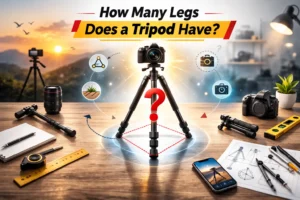
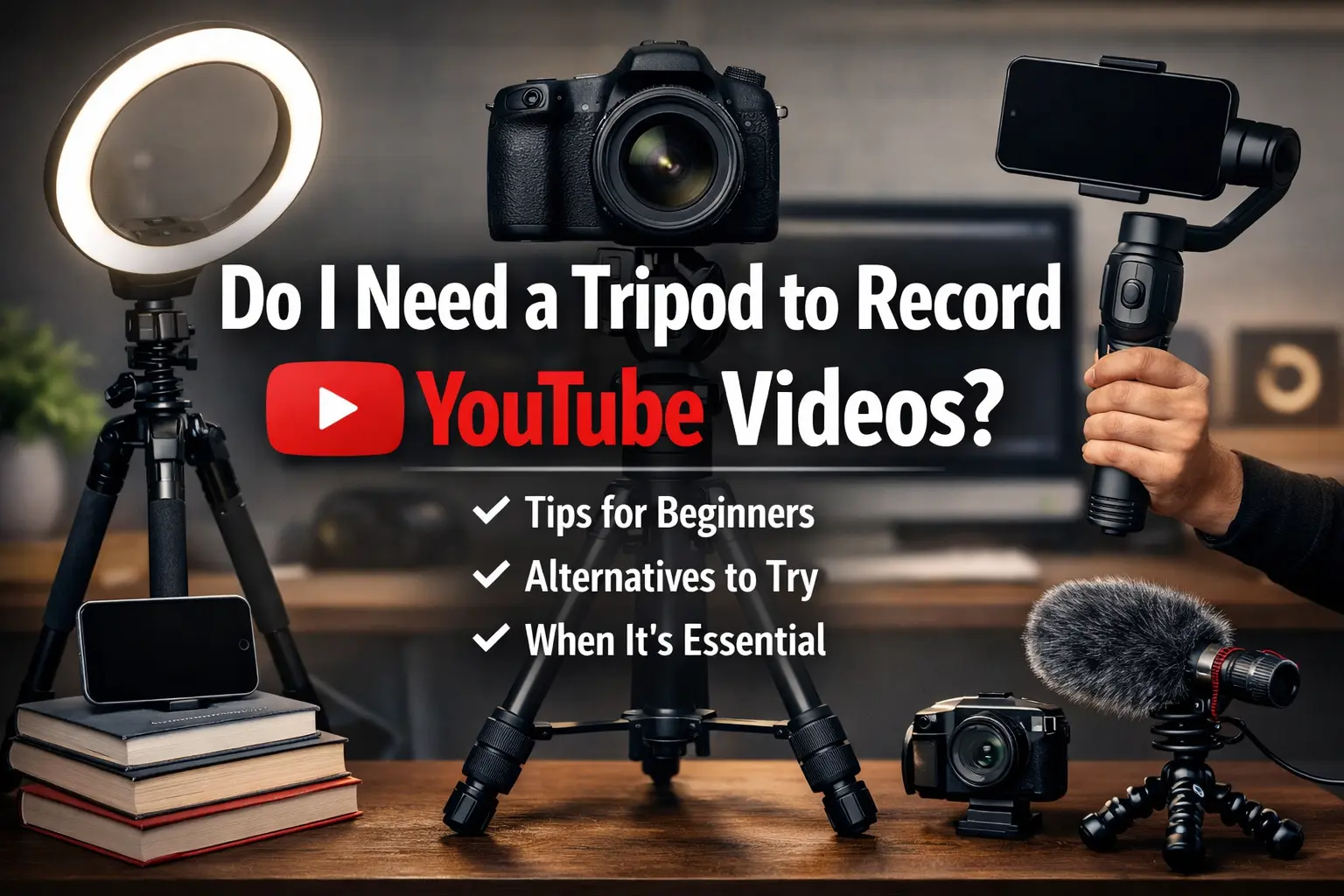
No, you don’t absolutely need a tripod to record YouTube videos. You can place your camera or phone on books, a table, or use a selfie stick. However, a tripod helps keep shots stable, reduces blur, and makes framing easier—especially for talking-head videos, tutorials, or vlogs.
Explore Tripod Buying Guides
When Is a Tripod Important for YouTube Videos?
A tripod becomes important when your video requires a fixed, steady frame. Handholding a camera often causes small shakes that make footage look less professional and can reduce viewer retention.
You should use a tripod if you create:
- Sit-down talking videos
- Product reviews or unboxings
- Tutorials or educational content
- Outdoor or long-duration recordings
For these formats, stability and consistent framing make your content easier to watch and more professional.
What Happens If You Don’t Use a Tripod?
Skipping a tripod doesn’t stop you from recording, but it can affect video quality. Small movements from your hands can cause shaky or slightly blurry footage. Over time, holding a camera also causes fatigue, which leads to inconsistent framing.
This can make your videos look amateurish even if your content is good.
Best Alternatives to a Tripod for Beginners
If you are just starting and don’t want to invest in gear yet, simple household solutions work well.
Here are practical options:
- Stack books to raise and stabilize your phone or camera
- Place the device on a table or shelf for eye-level framing
- Use a selfie stick or monopod for vlogging
- Try a desk-mounted arm for overhead or cooking-style videos
These methods help maintain stability without spending extra money.
Does a Tripod Improve Video Quality?
Yes, mainly by improving stability and composition. A steady frame makes your videos look cleaner and more professional. It also keeps your subject centered, which helps viewers focus on your message instead of camera movement.
For static shots, a tripod is one of the simplest upgrades you can make.
Conclusion
You don’t need a tripod to start recording YouTube videos, but it is highly recommended. It keeps your footage stable, improves framing, and gives your content a more polished look. Beginners can use simple alternatives first and upgrade to a tripod as their channel grows.
FAQs
Ready to Improve Your Video Stability?
If you plan to create regular sit-down or tutorial videos, consider using a tripod for consistent framing and shake-free footage. It’s a small upgrade that significantly improves overall video quality.