




 Arun Kumar
 Quick Summary / Takeaway
- Always set your tripod with a wide and stable base.
- Keep the center column low to reduce shake.
- Lock all parts firmly before recording.
- Use proper leveling and framing techniques for professional output.
- Practice smooth camera movement for stable tripod shots for vloggers and YouTube videos.
How to Use a Tripod
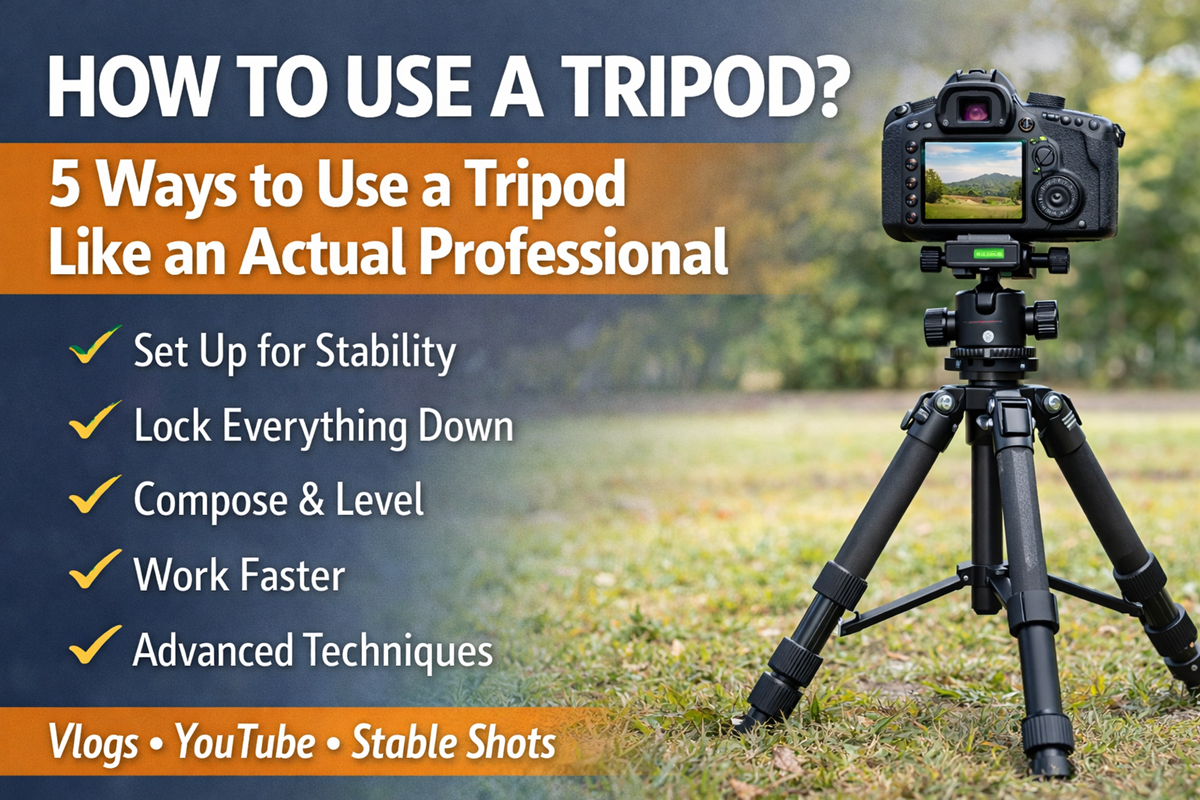
To use a tripod correctly, spread the legs fully, keep the center column low, lock all joints securely, level the camera using the built-in bubble level, and adjust framing before recording. These steps help create stable and professional-looking photos or videos, especially for vlogging and YouTube content creation.
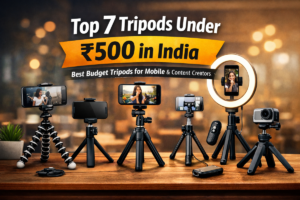
If you are planning to buy a tripod, you can explore our guide on 👉 Top 7 Tripods Under ₹500 in India for beginner-friendly options. For better build quality and advanced features, check 👉 Best Phone Tripod Stand Under ₹1000 in India (2026 Guide). If you are confused between support tools, read 👉 Vlogging Tripod vs Selfie Stick: Which Is Better for Travel Vlogs?. You can also learn about professional setups in 👉 Best Tripod Used by Sourav Joshi for Smooth Shots.
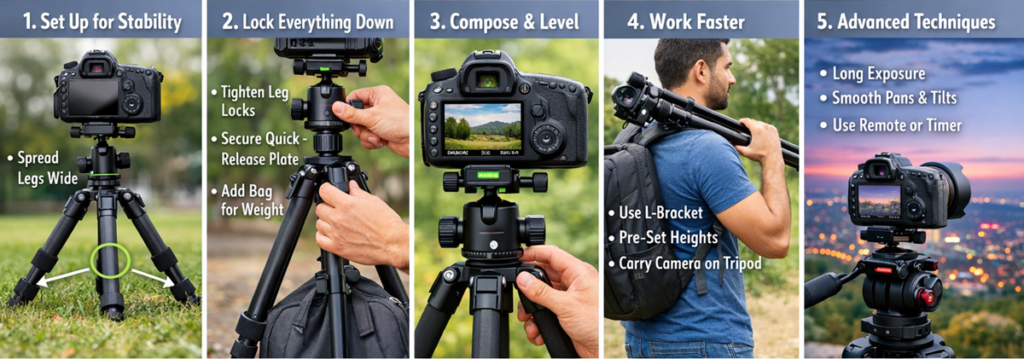
1. Choose and Set Up the Tripod for Maximum Stability
The first step in learning how to use a tripod is setting it up properly. Stability directly impacts video clarity and sharpness.
How to Set Up a Tripod for Vlogging
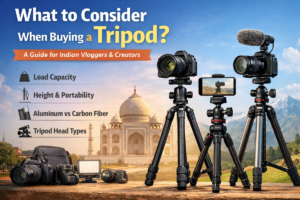
- Use a tripod that can support your camera or smartphone weight comfortably.
- Spread the tripod legs fully to create a wider base.
- Extend the legs first instead of raising the center column.
- Keep the tripod low whenever possible to reduce vibrations.
A wide and balanced tripod setup improves stability and helps beginners capture clearer and shake-free videos.
2. Lock Everything Before You Start Shooting
Loose tripod parts can cause unwanted movement and shaky footage. Professionals always double-check locks before recording.
Tripod Setup Like a Pro
- Tighten all leg locks and head locks securely.
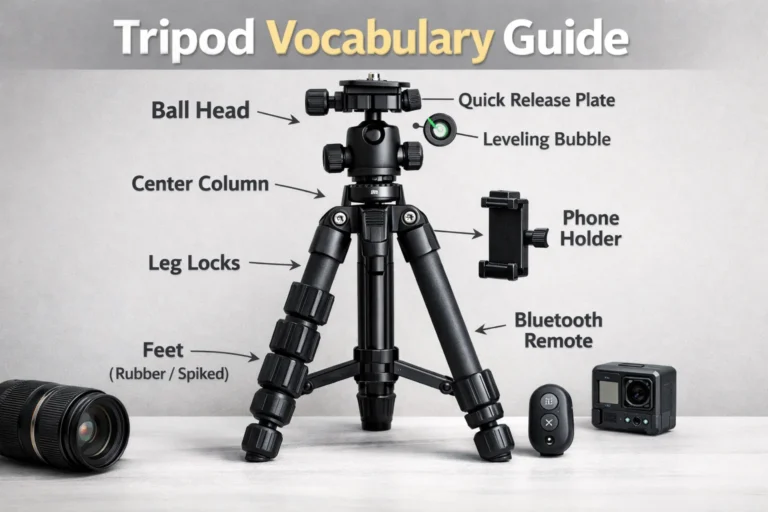
- Ensure the quick-release plate is properly attached.
- Slightly press the tripod into the ground or floor to make it stable.
- If your tripod has a hook, hang a bag or weight to reduce vibrations.
These small adjustments make a major difference in creating stable tripod shots for vloggers.
3. Compose and Level the Camera Correctly
Proper framing and leveling improve video quality and make content look professional.
Best Way to Use a Tripod for Video
- First, hold your camera or phone and rough-frame your shot.
- Mount the device and fine-tune the angle using the tripod head.
- Use the built-in bubble level or camera electronic level to keep the horizon straight.
- When shooting on slopes, keep the tripod lower and adjust leg height accordingly.
Correct composition helps maintain professional framing for tripod for YouTube vlogging and social media content.
4. Work Faster Using Smart Tripod Habits
Professional creators focus on speed and efficiency while maintaining quality.
Smart Workflow Tips
- Use an L-bracket if you frequently switch between portrait and landscape shots.
- Pre-adjust common heights like eye-level or low-angle shots.
- Carry the tripod with the camera attached when moving between locations to save time.
These habits help creators maintain consistency while filming multiple shots or scenes.
Aslo read: IndiGo Passenger Tripod Trick Goes Viral
5. Use a Tripod for Advanced Shooting Techniques
Tripods are useful beyond basic recording. They help creators capture detailed and professional visuals.
Practical Uses
- Long exposure or night photography.
- HDR or focus-stacking shots.
- Smooth video pans and tilts using fluid or geared tripod heads.
- Using a timer or remote to prevent camera shake.
Slow and controlled movements produce smooth and visually appealing footage.
Why Tripods Are Important for Vloggers and Beginners
Tripods help creators achieve stable recording without expensive equipment. They improve framing accuracy and reduce hand shake, which is essential for beginners learning video creation.
For YouTubers like Sourav Joshi, students, and small business owners, using a tripod improves video quality and makes content look more professional and consistent.
Conclusion
Learning how to use a tripod correctly helps beginners and creators improve video stability and framing quality. By focusing on proper setup, secure locking, correct composition, and smooth movement, you can achieve professional-looking results without advanced filming equipment.
Whether you create vlogs, YouTube videos, or business content, mastering tripod techniques ensures consistent and high-quality visuals.
If you are planning to start vlogging or improve your video quality, investing time in learning proper tripod setup can make a noticeable difference. Explore beginner-friendly tripod options and practice these techniques to enhance your content quality consistently.